Tablets
Pro Tablet Comparisons
Pro tablets are built for people who want a tablet to replace, or at least seriously challenge, a laptop. What sets them apart is not a single spec but a combination: the fastest chips a manufacturer puts in a tablet, premium display technology such as tandem OLED or mini-LED with a high refresh rate, more memory, faster ports and support for the most capable stylus and keyboard accessories. In this class you will also find detachable 2-in-1s that run a full desktop operating system, which changes the decision in a fundamental way.
That operating-system question deserves your attention first. A tablet running iPadOS or Android is optimized for touch and pen, with apps designed for that input; a Windows detachable runs the same desktop software as a laptop but is typically heavier and more reliant on its keyboard cover. Neither is simply better; it depends on whether the apps you need exist in tablet form.
Within a single lineup, the gaps between generations are often smaller than the price gap suggests. Compare the display type, the chip, base memory and base storage, since pro models often start with more storage but charge heavily for upgrades. Check which pen and keyboard generation is supported, because a newer tablet does not always work with the accessories you already own.
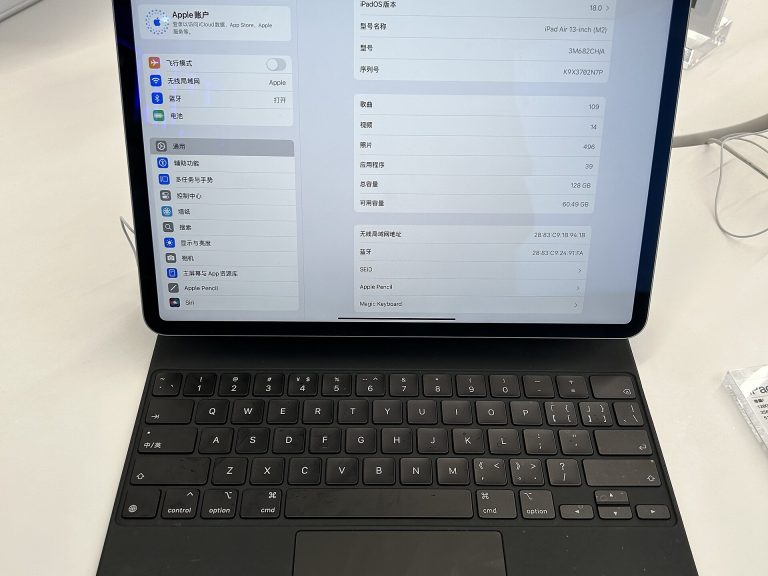
Keep the full setup in mind: keyboard covers and styluses for pro tablets are rarely included and can add significantly to the launch price. If most of your time will be spent typing, compare the combined cost and weight against a lightweight laptop before you decide. If you draw, edit photos on the go or want the best screen you can carry in a bag, this is the class where those strengths are concentrated.
18 comparisons · 5 products
Products in This Class
Comparisons