Graphics Cards
Graphics Card Comparisons
A graphics card decides how your PC handles games, 3D work and, increasingly, local AI tools. The GPU does the rendering, and the video memory (VRAM) beside it holds the textures, geometry and frame buffers the GPU works on. Comparing two cards starts with those two parts, but the numbers on a spec sheet only line up cleanly inside one brand and one architecture.
Shader counts are the classic trap. An NVIDIA CUDA core, an AMD stream processor and an Intel Xe vector lane are built differently, so a Radeon with more “shaders” than a GeForce is not automatically faster. The same goes for ray tracing units. Across brands, lean on figures that mean the same thing everywhere: VRAM capacity, memory bandwidth, board power and the feature set. Within one brand and generation, shader count and boost clock are a reasonable guide to the pecking order.
VRAM deserves more attention than it used to get. High texture settings, higher resolutions and ray tracing all push memory use up, and when a card runs out, frame pacing suffers no matter how fast the GPU is. For 1440p and 4K, or for running AI models on your own machine, extra VRAM ages well. Upscaling and frame generation (DLSS on GeForce, FSR on Radeon, XeSS on Arc) now shape real-world frame rates as much as raw hardware, and support differs by generation, so check which version a card actually gets.
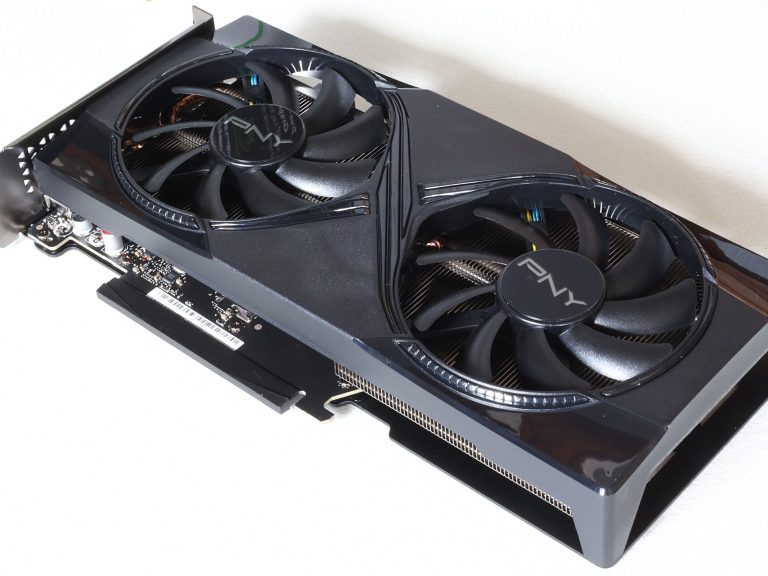
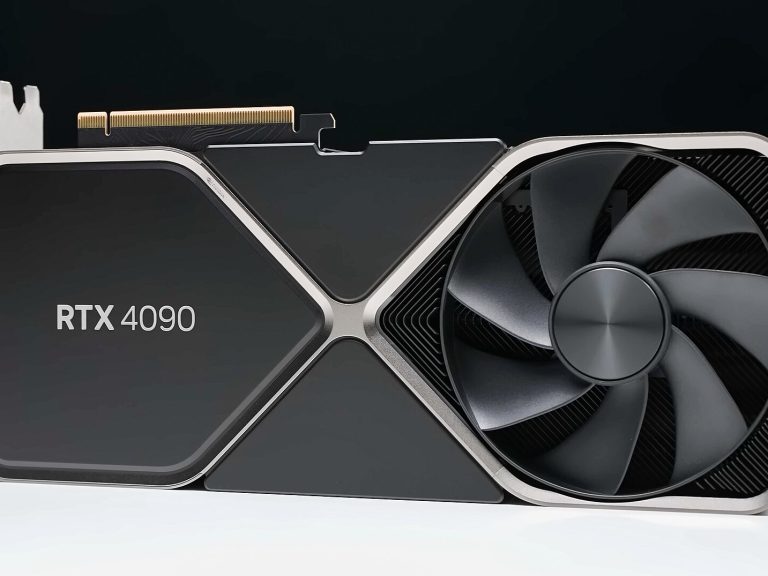
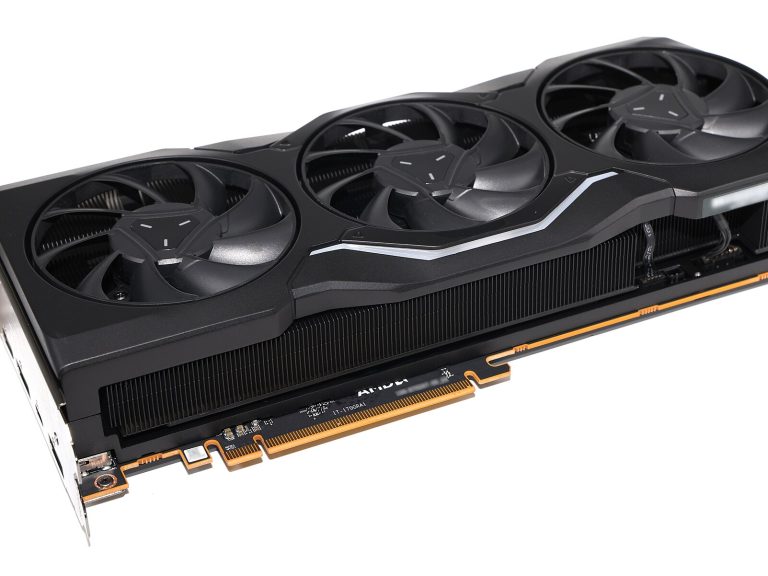
Then there’s the practical side. Total board power tells you how much heat the cooler has to move and whether your power supply is up to it; card length and slot width decide whether it fits your case; the power connector matters if your PSU is older. A card that suits your monitor’s resolution, your case and your PSU is usually a better buy than the fastest one on paper.
97 comparisons
Browse by Class
All Graphics Card Comparisons